Weddings
Every guest's photos, in one wedding gallery
Your photographer captures the day from one angle. Your guests capture it from a hundred. Mimentum gives them a single place to put those photos — a QR code on the table, a link in the invitation, no app to install and no account to create.
Guests upload without signing up
Scan the QR code on the table, pick photos, done. The people least likely to install an app are usually the ones holding the best pictures.
Invitations and RSVPs in one place
Send a digital invitation, track who has replied, collect meal choices and see your guest list update as answers come in.
Everything downloadable afterwards
Take the full-resolution gallery away in one file when the day is over. The photos are yours, not locked in a feed.
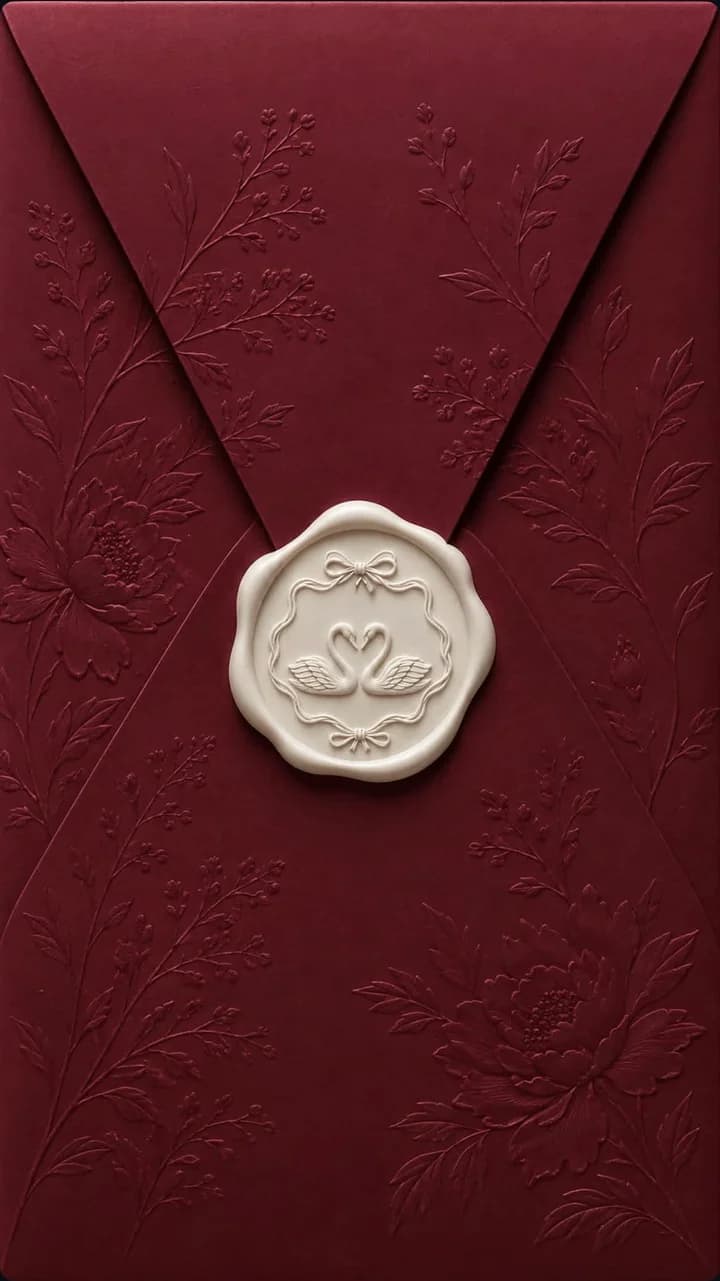
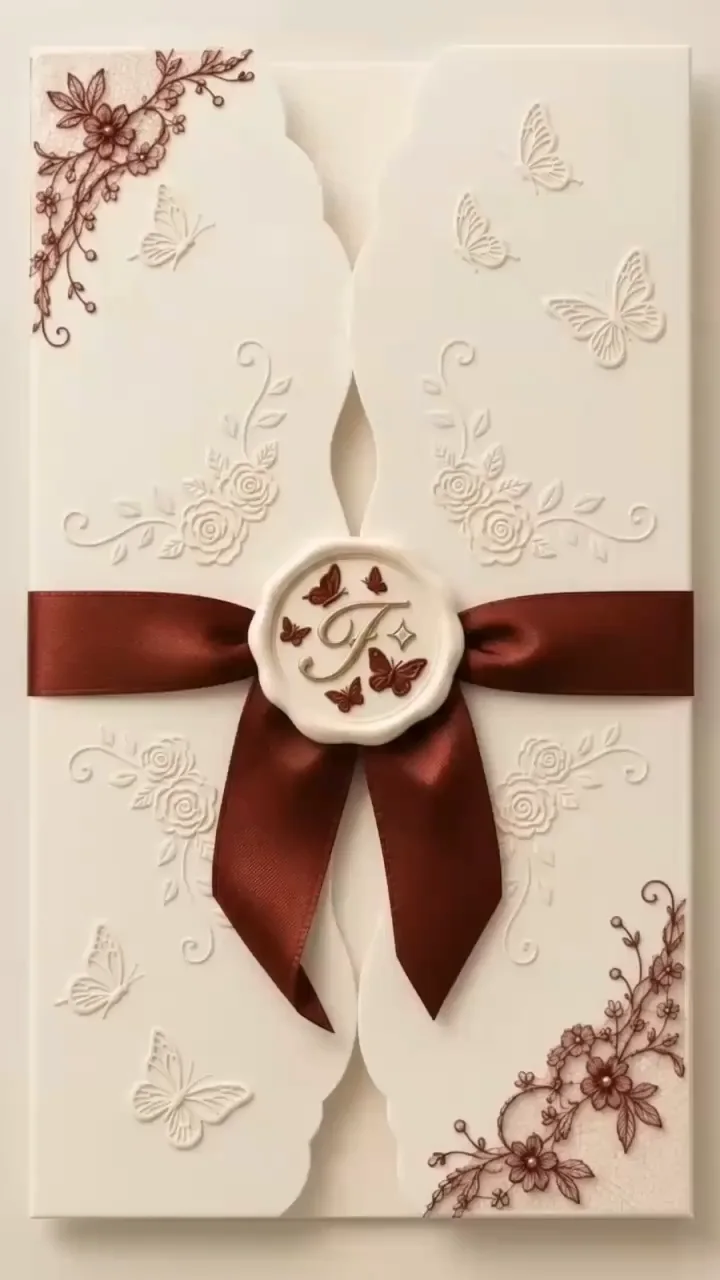
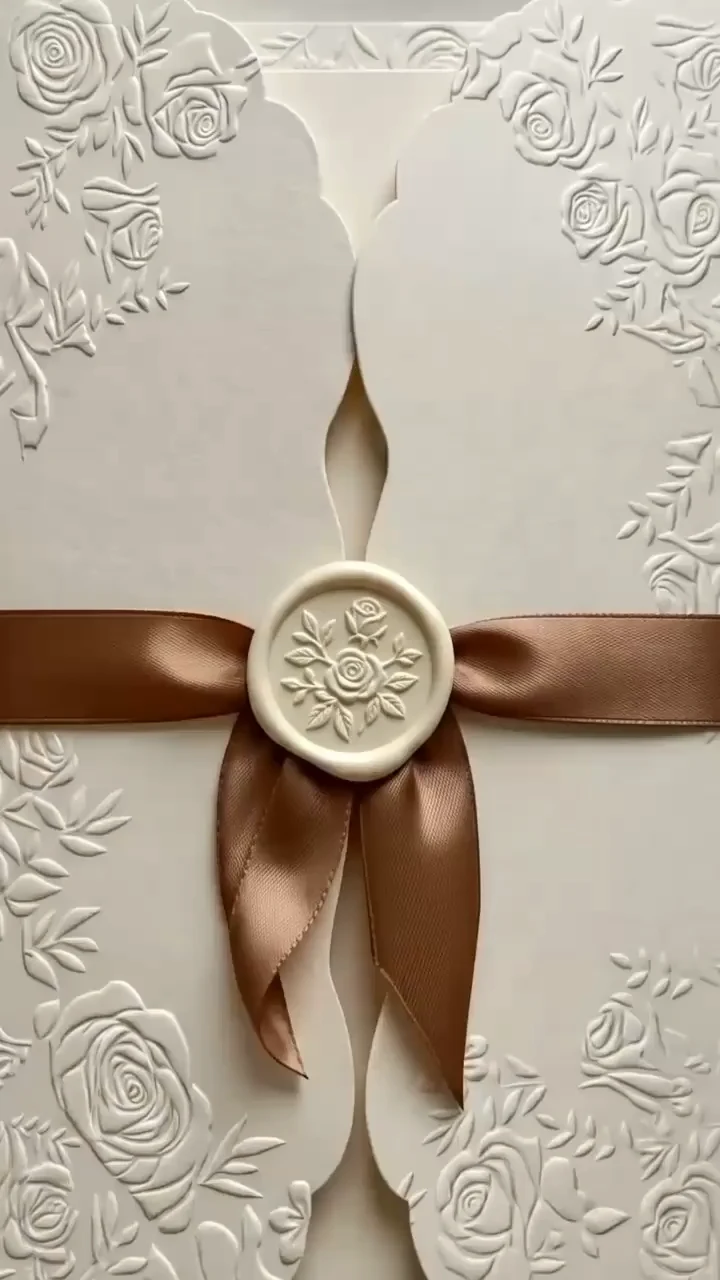
Designs made for the occasion
Every design carries your colours, your RSVP flow and your guest list once you make it yours.
Questions people ask
Do guests need to download an app?
No. A guest opens the link or scans the QR code and uploads straight from their phone browser — no account, no install, no friction at the moment they are most willing to help. The upload button sits in the gallery header; they pick photos from their camera roll, type their name so you know who contributed, and tap upload. That is the whole flow, and it works the same on iPhone and Android because it is an ordinary web page rather than a native app. The name field is what turns a pile of files into something you can trace back to a person a year later. If you would rather review photos before they appear, turn on moderation in the gallery settings and uploads wait for your approval instead of publishing immediately. Guests never see the difference, and nothing about this asks them to create a Mimentum account.
When should we share the gallery?
Before the day, and again during it. Most couples put the QR code on the tables and share the link with the invitation, so photos start arriving during the ceremony and reception rather than weeks later in scattered messages. The QR code is generated from Gallery Settings → Share and downloads as a PNG or PDF, which is what makes it easy to drop into table centrepieces, welcome signs, the order of service or a photo booth backdrop. Sharing the link ahead of time gets the gallery onto phones before anyone is holding a drink; the printed code catches everyone who missed it. The other moment worth using is a few days afterwards — a short reminder that the gallery is still open is usually what brings in the photos people took and never got around to sending.
What happens to the photos afterwards?
They stay in your gallery, and you can take a full copy at any time. Open the Photos tab, click Download All, choose original or optimised quality and whether to include every photo or only approved ones, and Mimentum generates a ZIP and emails you the download link. Large galleries take a few minutes to process. Downloading is not limited by plan — full-resolution originals and whole-gallery ZIPs are available on Free as well as the paid tiers, so the collection never depends on a subscription staying active. Single photos can be pulled at original, high or medium quality. What happens to the gallery itself is your call: leave it open so guests keep browsing, stop new uploads but keep it viewable, or close it entirely. Because the archive is already on your own drive, none of those choices costs you the photos.
Start your wedding gallery
Free to begin. Add your designs, your guest list and your QR code in a few minutes.
Start free