Engagements
The first celebration, properly collected
An engagement party is the first time everyone is in one room about this. Give them somewhere to put the photos before the group chats scatter them — and send the invitation from the same place.
One link for the whole guest list
Share it in the invitation, in a message or as a QR code on the night. Everyone adds to the same gallery.
Know who is coming
Digital invitations with online RSVP, so you are not counting replies across three different chats.
Carries over to the wedding
The guest list and designs you set up now are the ones you reuse when it is time to plan the wedding itself.
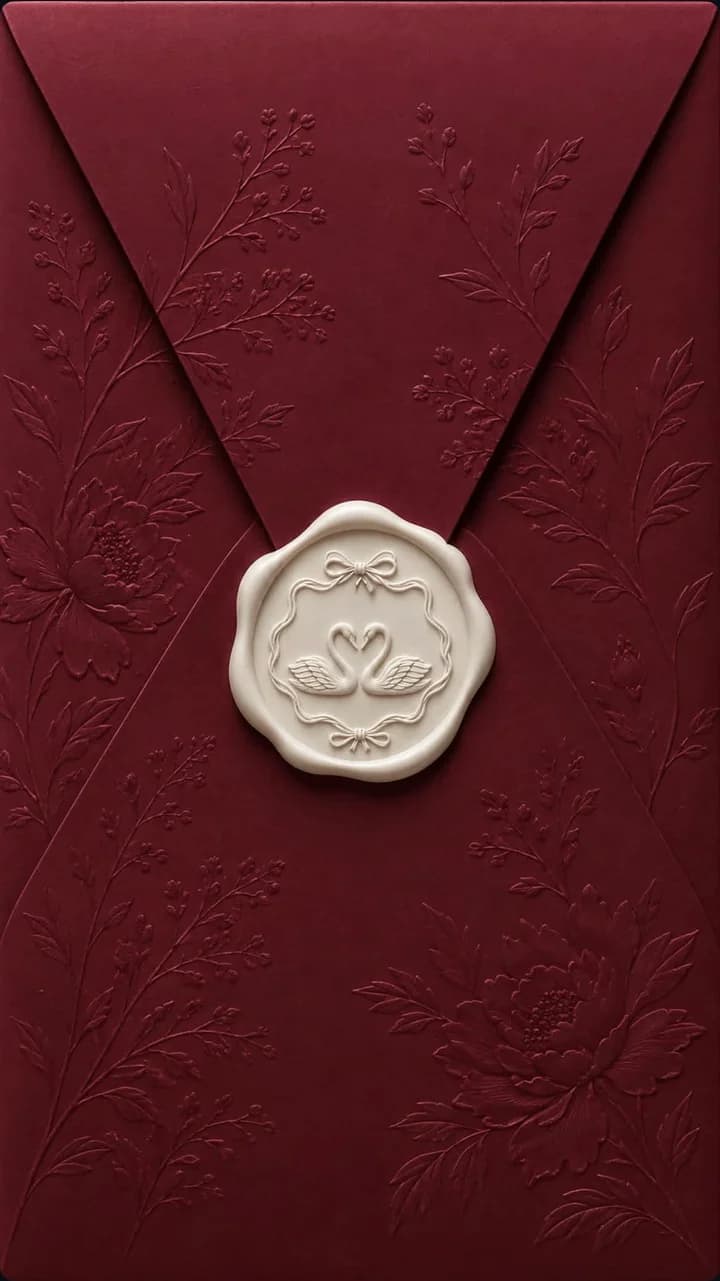
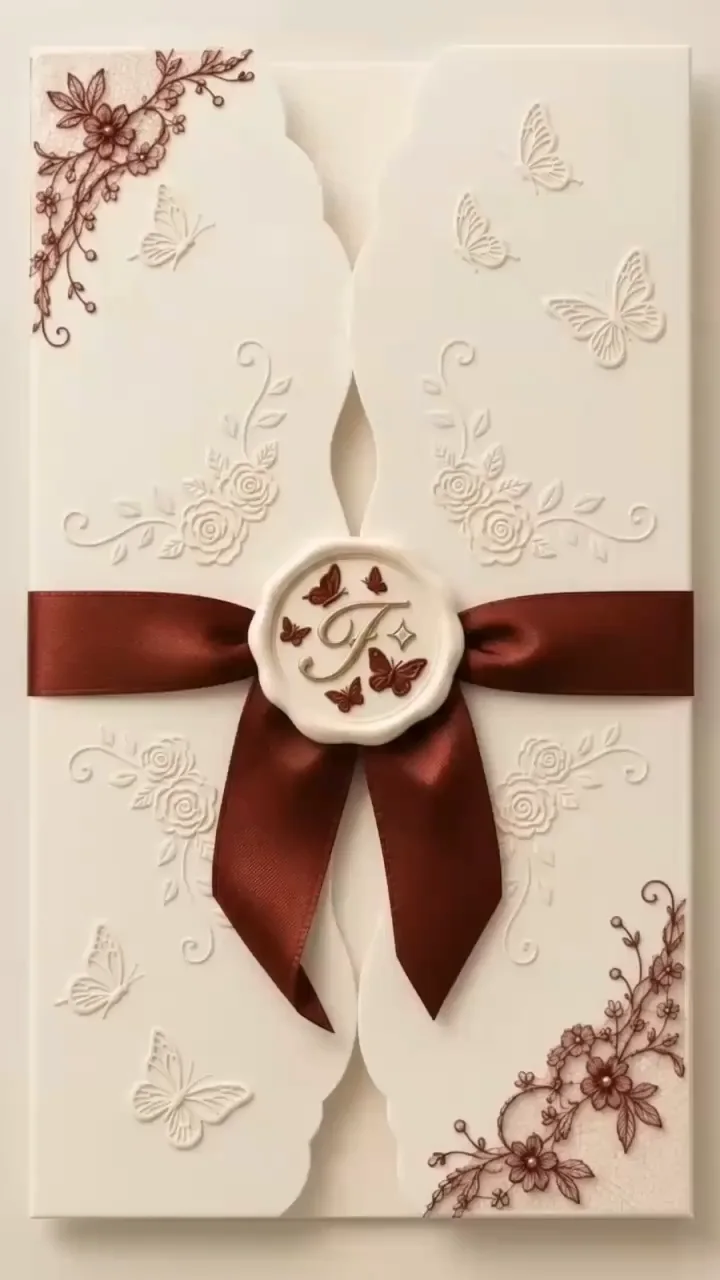
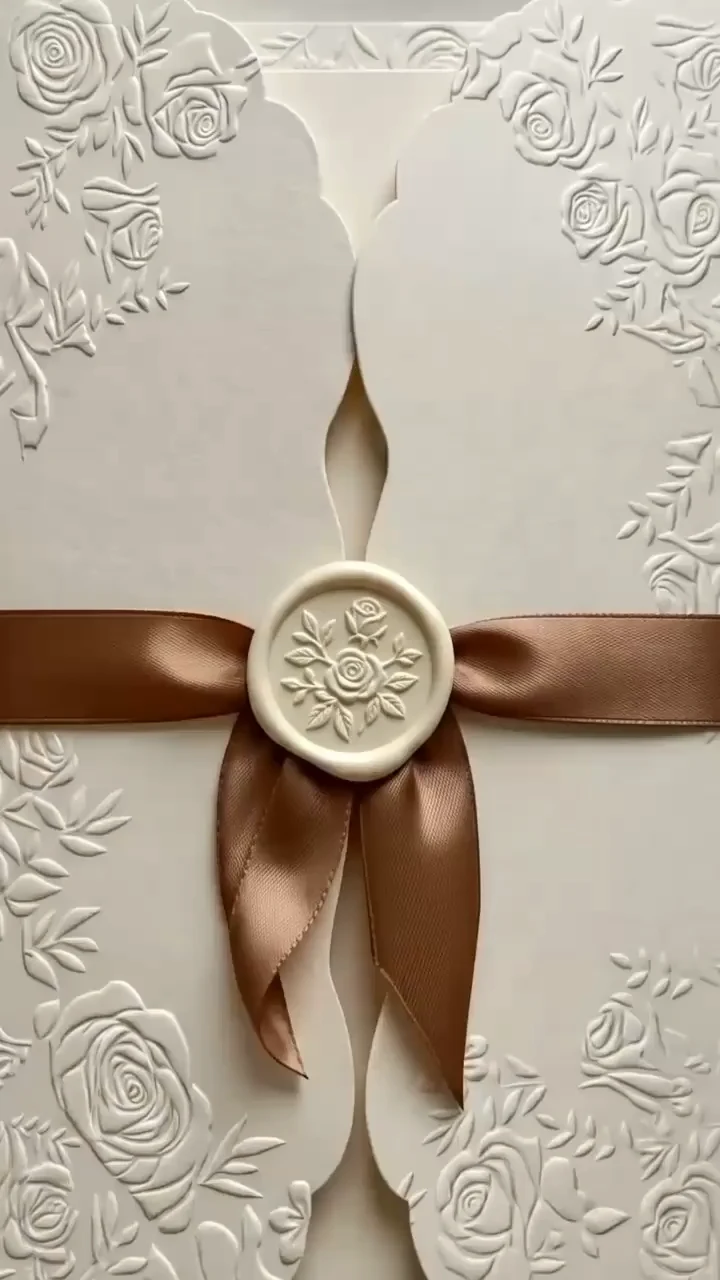
Designs made for the occasion
Every design carries your colours, your RSVP flow and your guest list once you make it yours.
Questions people ask
Can we use the same guest list later?
Yes. The guest list you build for the engagement stays in your account, so the wedding invitation starts from what you already have rather than from a blank page. Names, contact details and the replies you collected all carry over, which matters more than it sounds: the engagement party is usually the first time anyone has assembled that list properly, and rebuilding it six months later from memory and group chats is where addresses go missing. You can add to it, remove people who were only invited to one event, and split it into groups — the wedding list is rarely identical to the engagement list, and it does not have to be. RSVPs are tracked per event, so answering the engagement invitation does not commit anyone to the wedding, and the two sets of replies stay separate.
Is there a limit on how many guests can upload?
No — uploads are open to anyone holding the link, however many that turns out to be. What the plan limits is storage and photos per gallery, not people. Free covers one gallery with up to 50 photos and 1 GB; Starter at €9.99 a month raises that to 200 photos and 10 GB; Pro at €29.99 to 1,000 photos and 50 GB; Business at €79.99 to unlimited photos and 500 GB. An engagement party generally fits comfortably inside Starter. The free plan is deliberately enough to run a real event rather than just click around, so the honest way to find out which tier you need is to use it for the engagement and see what the gallery weighs before the wedding. You can change plan at any point, and photos already uploaded are unaffected by moving up.
Can we keep the gallery private?
Yes, in two ways. Every gallery is reachable only through its own link — mimentum.online/g/your-gallery-name — and those pages are excluded from search engines, so a gallery is never something someone stumbles onto by searching your names. For anything more sensitive, switch the gallery to private mode and set a password, then share that password separately from the link, in the invitation or verbally on the day. You also control the gallery's lifespan independently of its privacy: stop uploads once the photos have stopped arriving but leave it viewable, or close the whole gallery whenever you like. If you would rather approve photos before anyone else sees them, moderation holds every guest upload until you release it. None of these settings is permanent — you can change any of them after the event.
Set up your engagement gallery
Start free, pick a design and send the first invitation today.
Start free